Register Subscription Product IDs
To suggest prices that match a user's purchase probability, the AI model requires three subscription products with different discount rates derived from your main subscription product. Please register the Product IDs created in the App Store Connect to the Monetai Dashboard.
Start Registering IDs
You can start the integration using one of the two methods below.
- Method 1: Start from the Dashboard Onboarding section
- Go to the Monetai Dashboard.
- You can register directly from the onboarding section at the top of the page.
- Method 2: Start from the Settings Menu
- Go to the Settings > Subscription Products menu to register.
Subscription Product ID Registration Process
1. Create Discount Products in App Store Connect
You need to create 3 discounted versions of your main subscription product (e.g., Annual Plan) to be used in Monetai promotions.
If you have already created these products, skip this step and simply check the IDs.
-
Log in to App Store Connect.
-
Go to [Monetization] > [Subscriptions].
-
Create 3 discounted subscription products.
Discount Rate Description 40% For users with low price sensitivity who have purchase intent but are hesitating slightly. 50% For general users with average price sensitivity. 60% For users with high price sensitivity and high churn risk who need a deep discount.
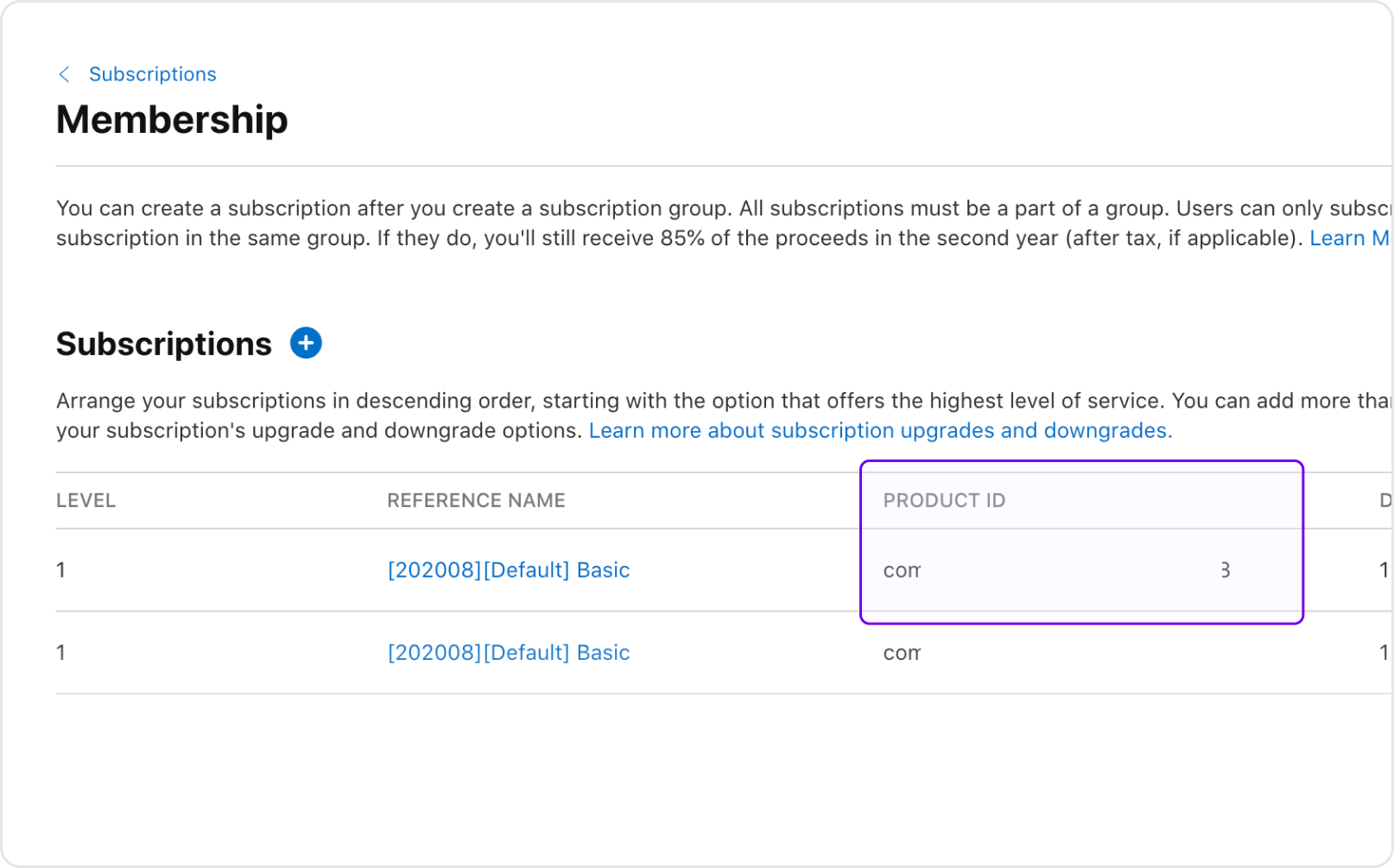
2. Check and Paste Product IDs
Once the products are created, find the Product IDs to be entered into the Monetai Dashboard and paste them into the text fields for each discount rate.
Technical Support
If you encounter any issues during integration, please contact us at support@monetai.io.
Next Steps
iOS app integration is complete! Ready to move on to the next step?